
The data you are moving without noticing
When you upload photos of a home to a cloud tool to generate a listing, you are not just uploading pictures of a property. You are uploading the inside of a family's house, with their furniture and belongings, alongside the exact address and the price they want to sell at.
If the tool also stores the owner's name and phone number to fill in the sheet, the whole thing is clearly personal data processing, with the obligations that brings.
The real risk, without the alarmism
It is worth not overstating this: major cloud providers have better security than any agency's laptop. The risk is less about data being stolen and more about something more mundane.
The risk is liability and control. If that service changes its terms, gets sold, shuts down or suffers a breach, you remain responsible to your clients and to the regulator. And you have no way of retrieving what you already uploaded.
There is a commercial angle that gets overlooked too: being able to tell an owner that photos of their home never leave your computer is a selling point, particularly with discreet sellers or higher-value properties.
Local versus cloud, criterion by criterion
| Criterion | Local processing | Cloud processing |
|---|---|---|
| Where the photos live | Only on your computer | On a third party's servers |
| Processing agreement | Not required | Required (GDPR art. 28) |
| If the service shuts down | You still have everything | You depend on being able to export |
| Works offline | Yes for PDF and images | No |
| Backups | Your responsibility | The provider's |
| Computing power | Whatever your machine has | Practically unlimited |
Local processing does not win on everything: backups become your problem and the power is whatever your computer has. It is a deliberate trade-off, not outright superiority.
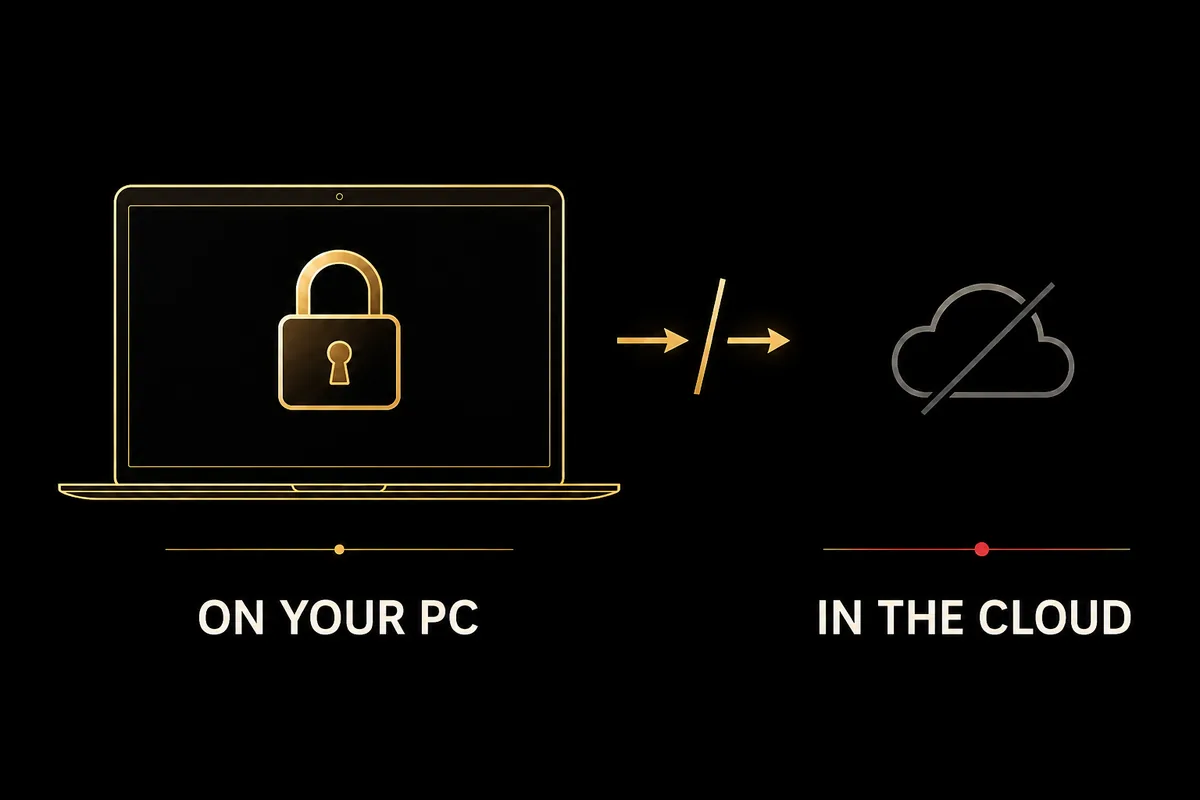
Your clients' photos never leave your computer
SnapHouse installs on your PC and generates the PDF, carousel and Reel locally. You can see how the sheet turns out without a single image travelling to any server.
The hybrid model: what should go out
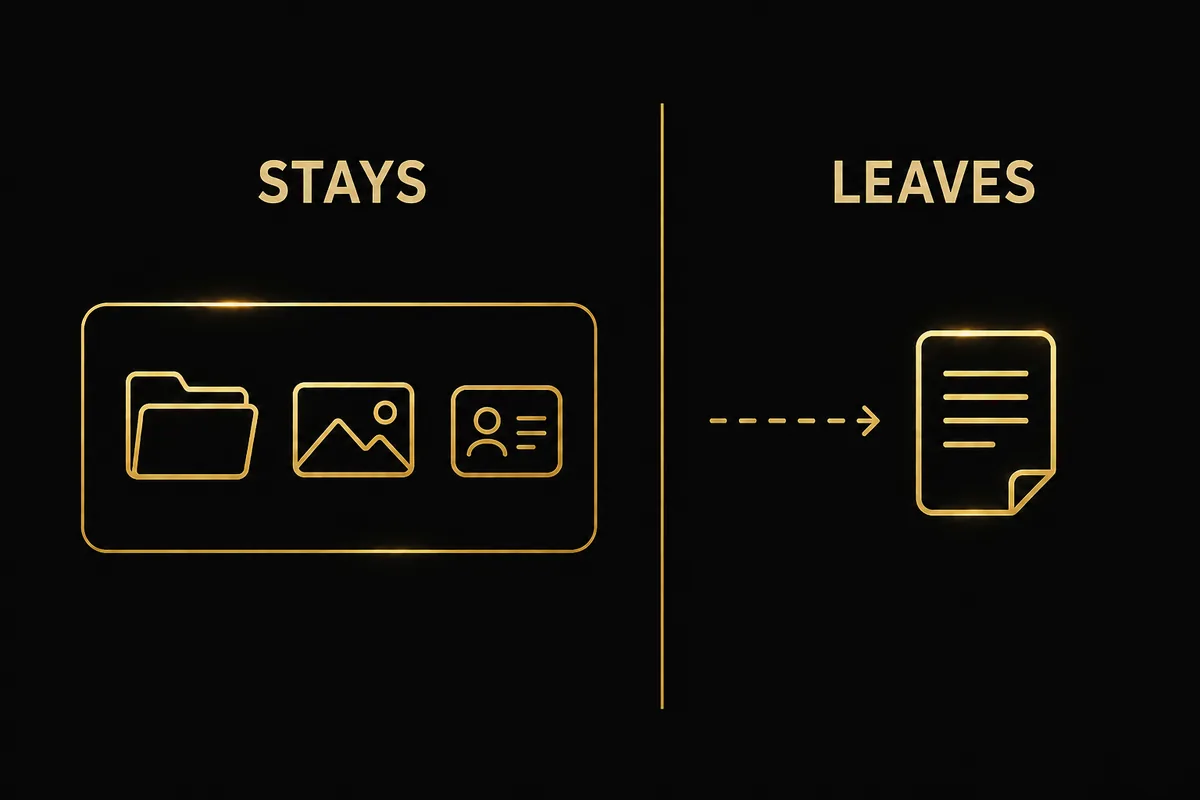
Being a purist does not help. Quality AI text today lives in the cloud, and running it locally needs hardware no agent has. The useful question is not whether anything goes out, but exactly what goes out.
A reasonable split: the objective property data goes out (size, rooms, aspect, area) so the model can write. The photos, the exact address and the owner's details do not. The difference between those two things is the whole conversation.
And if you would rather nothing at all goes out, manual mode with a free API lets you generate the rest of the material with no external calls.
How to check the tool you use today
- Find where the vendor states data is processed and which country the servers are in.
- Ask for the data processing agreement. If they do not have one ready, that is a bad sign.
- Check what happens to your files if you cancel: how long they keep them and whether you can export.
- Try using it offline. Whatever keeps working is what genuinely runs on your machine.
Real estate AI marketing, on your own computer
SnapHouse installs on your PC. The PDF, images and videos are generated locally, without uploading photos or owner details to any server. Permanent licence from €845.
Request a free demoNo commitment · Personalised demo · Support in Spanish and English
Keep reading: AI for real estate agencies in Spain: everything you need to know in 2026 and Real estate marketing software: what features you need in 2026.
Frequently asked questions
What client data does a real estate marketing tool handle?
More than it seems: the exact property address, photos of the inside of an occupied home, the asking price and, depending on the tool, the owner's name and phone number. That is personal data under GDPR.
What is the difference between local and cloud processing?
Locally, the files never leave your computer and you are solely responsible for keeping them safe. In the cloud, you upload them to a third party's servers, and that party becomes a data processor you need a signed contract with.
Do I need a data processing agreement with every tool?
If the tool processes personal data on your behalf, yes: Article 28 of the GDPR requires it. Many agents use cloud services without having signed one, sometimes without knowing it is needed.
Does SnapHouse send anything to the internet?
The PDF, images, carousel and Reel are generated on your computer offline. Only the AI text request goes out, and only in automatic mode: what travels is the property data, not the photos or the owner's details.

